We have illustrated you guys an innovative article and it’s all about the process of installing network simulator 3 on Ubuntu.
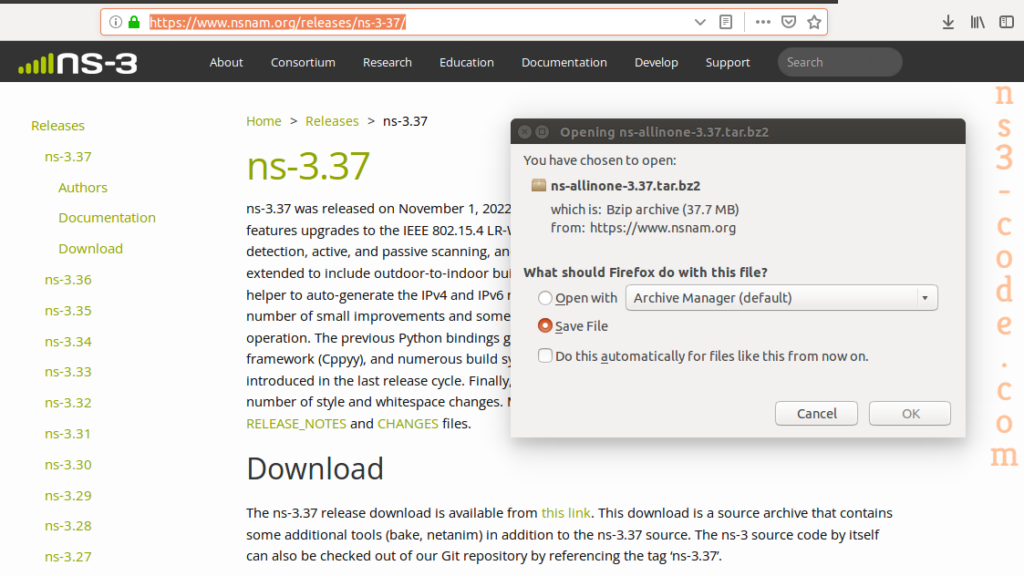
Initially, we have to download the ns-allinone-3.37 package for the installation if ns3 in Ubuntu 20.04 through the URL that is highlighted in the following.


 Click Here to watch our latest output video using NS3 simulator
  Click Here to watch our latest projects screenshots using NS3 simulator