
Ns3 Installation in Ubuntu 20.04
For your reference, we have highlighted the process of ns3 installation in Ubuntu 20.04 with all the required steps.
Phase: I
The following commands are implemented for the installation of the required libraries of Ns3 in the Ubuntu terminal window.
sudo apt update
sudo apt install g++ python3 python3-dev pkg-config sqlite3 cmake python3-setuptools git qtbase5-dev qtchooser qt5-qmake qtbase5-dev-tools gir1.2-goocanvas-2.0 python3-gi python3-gi-cairo python3-pygraphviz gir1.2-gtk-3.0 ipython3 openmpi-bin openmpi-common openmpi-doc libopenmpi-dev autoconf cvs bzr unrar gsl-bin libgsl-dev libgslcblas0 wireshark tcpdump sqlite sqlite3 libsqlite3-dev libxml2 libxml2-dev libc6-dev libc6-dev-i386 libclang-dev llvm-dev automake python3-pip libxml2 libxml2-dev libboost-all-dev
Phase: II
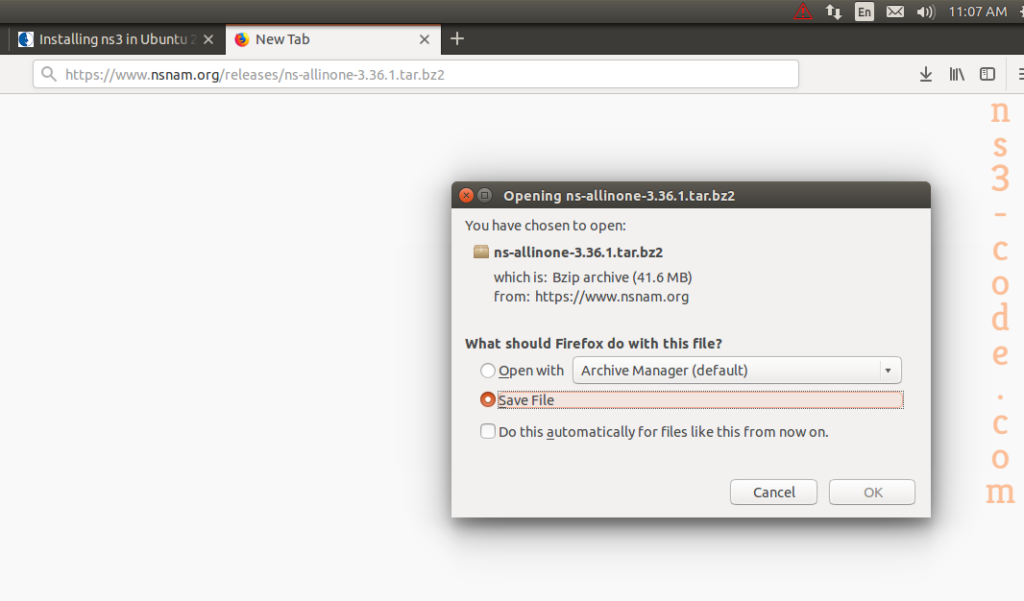
Then, we have to download the packages based on ns-allinone-3.36.1 from the website namely, nsnam.org.
Phase: III
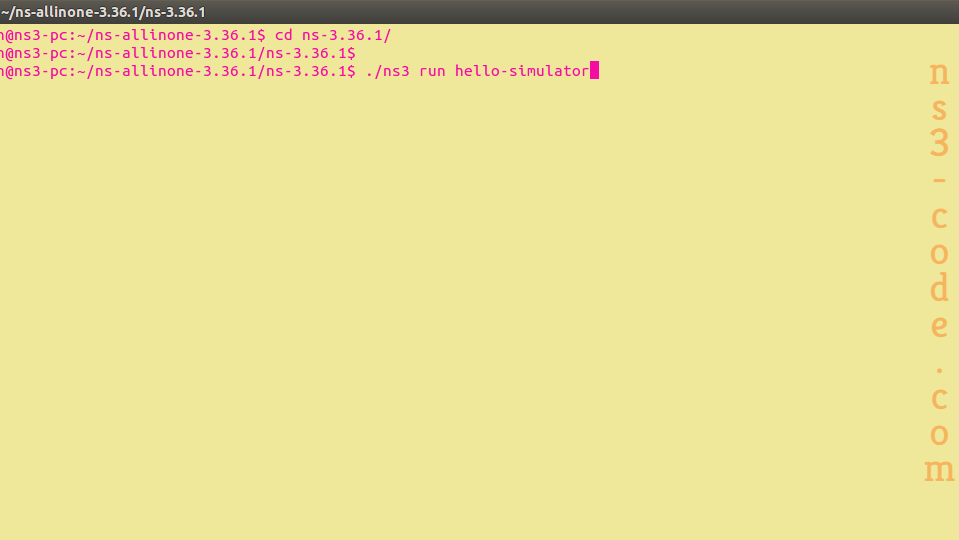
Following that, we have to install the ns-allinone-3.36.1 through opening the folder and implementing the commands.
cd ns-allinone-3.36.1/
sudo ./build.py –enable-examples –enable-tests
Phase: IV
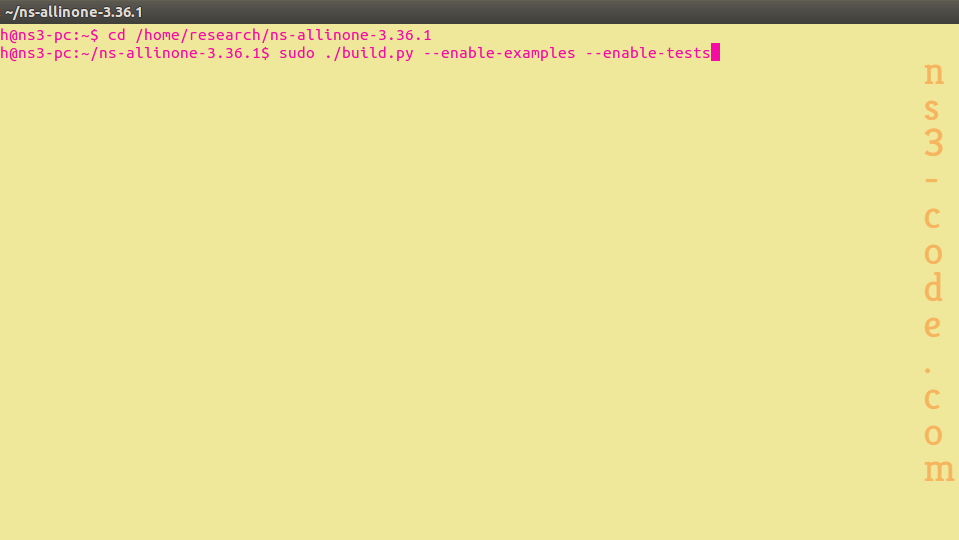
When we installed the ns-allinone-3.36.1 packages, then we have to run the simulation. For instance, we have highlighted the following command.
cd ns-3.36.1/
./ns3 run hello-simulator
We are here to help you in developing the research processes with the assistance of our research experts. So be in touch with us with more research aids.
 Click Here to watch our latest output video using NS3 simulator
  Click Here to watch our latest projects screenshots using NS3 simulator