As an actual fact, the execution of first .cc file is an easy and simple process and our research professionals have highlighted the required processes.
Step: 1 First.cc File Creation
To start the process, we have to create file in the scratch folder to perform the simulation and that is stored as first.cc.
Step: 2 Ns-3.26 Configuration
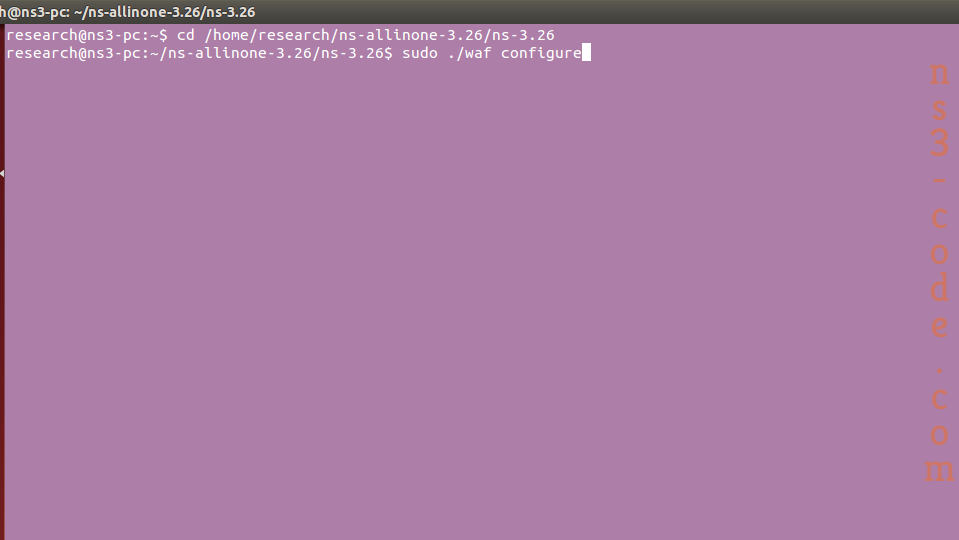
Then, we have to configure the ns-3.26 packages through the utilization of the below mentioned commands.
cd /home/research/ns-allinone-3.26/ns-3.26

sudo ./waf configure
Step: 3 First.CC Execution
Consequently, we have to implement the following commands to execute the main file. In addition, we have depicted the acquired results in the following.
cd /home/research/ns-allinone-3.26/ns-3.26

sudo ./waf --run first --vis
Hence, it is better to interact with our folks to get exact details about the implementation of first.cc in ns3.



 Click Here to watch our latest output video using NS3 simulator
  Click Here to watch our latest projects screenshots using NS3 simulator