This article “how do I run Ns3” is considered as the depiction of step by step processes that are required to run the network simulator 3.
Download Ns-3.17
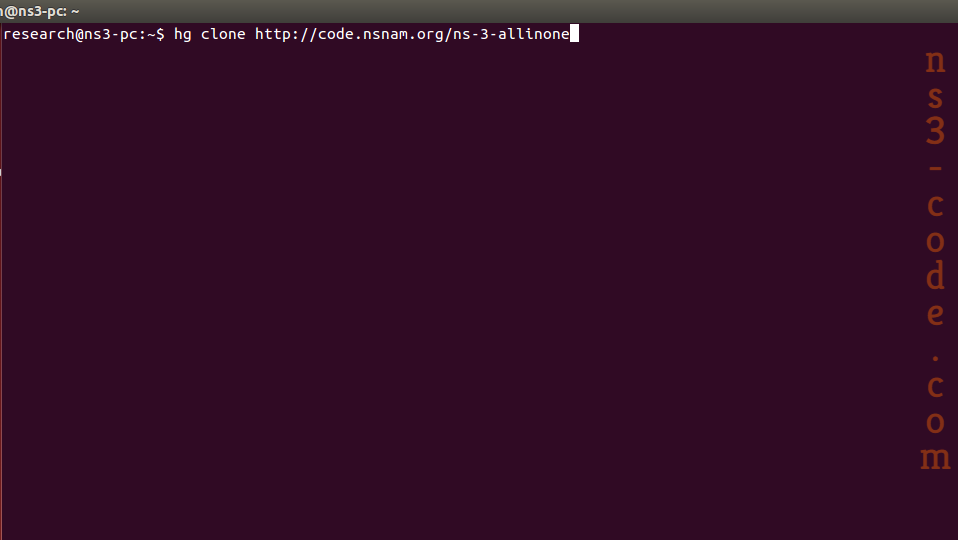
As the first process, the packages based on network simulator 3 are downloaded through the utilization of the commands that are highlighted in the following.
hg clone http://code.nsnam.org/ns-3-allinone
cd ns-3-allinone
./download.py -n ns-3.17
Install Ns-3.17
Consequently, the below mentioned commands are implemented to install the ns-3.17 packages.
sudo ./build.py
Run Main File
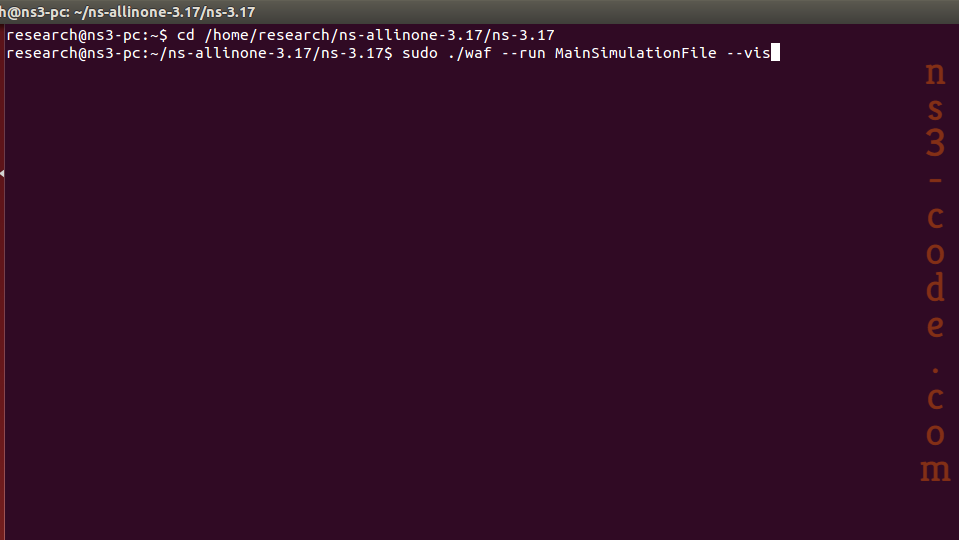
At that moment, we have to run the simulation that is stored in the scratch folder through the implementation of the below mentioned command.
sudo ./waf –run MainSimulationFile –vis
In addition to that, we are ready to offer the research guidance at any time for the research scholars. So, reach us without any hesitation.


 Click Here to watch our latest output video using NS3 simulator
  Click Here to watch our latest projects screenshots using NS3 simulator